
Battlr
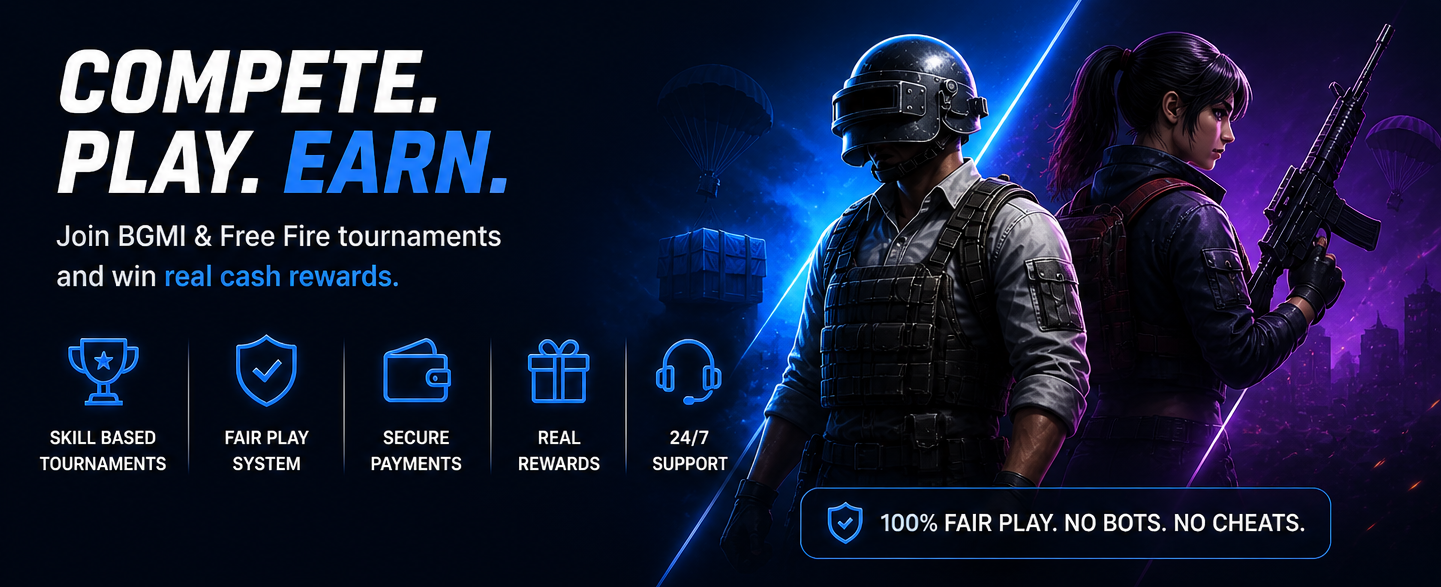
Built for competitive gamers who prefer skill over excuses.
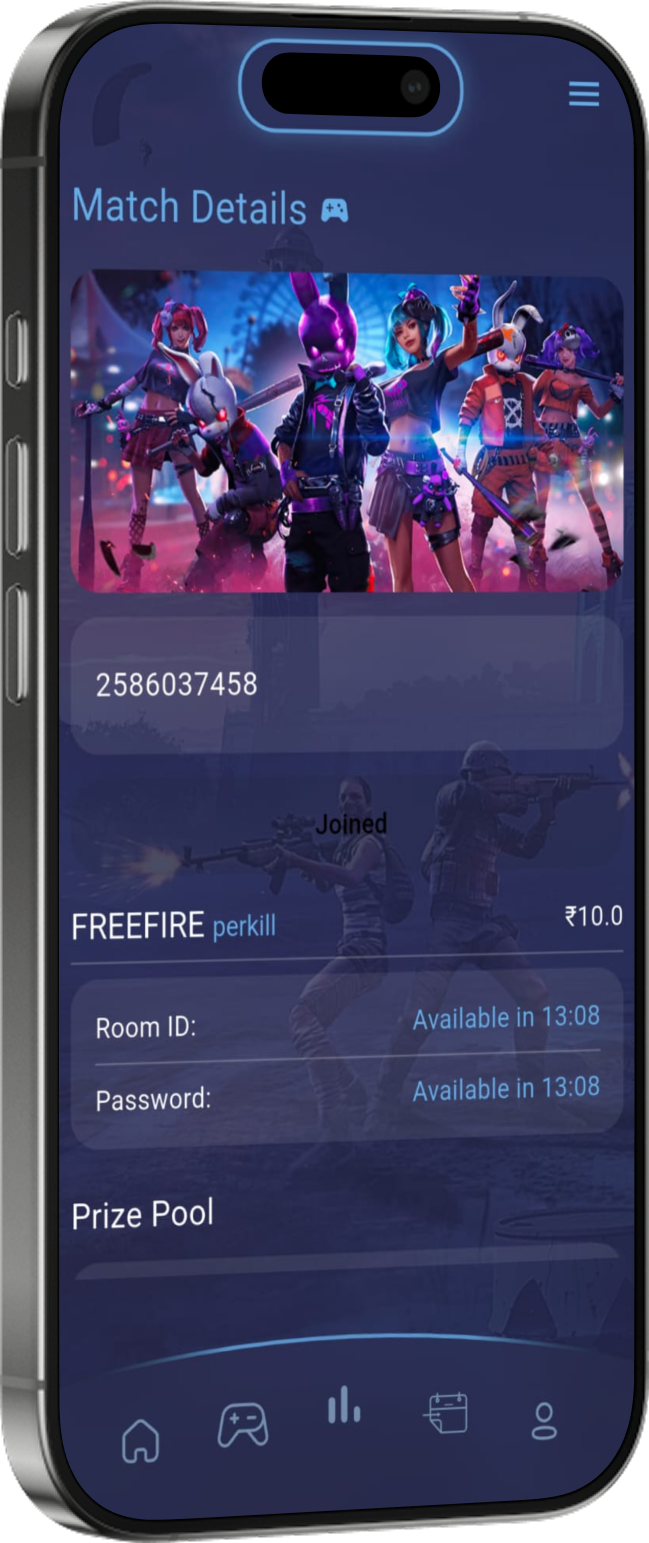
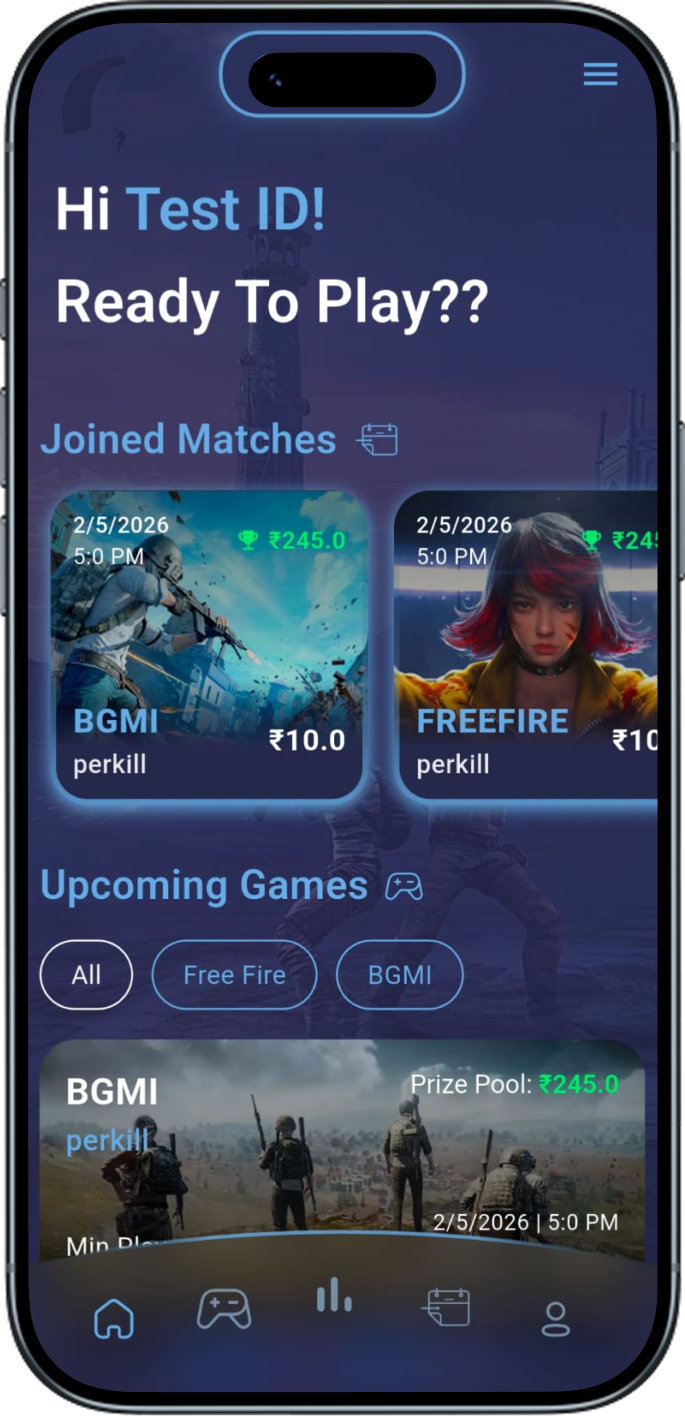
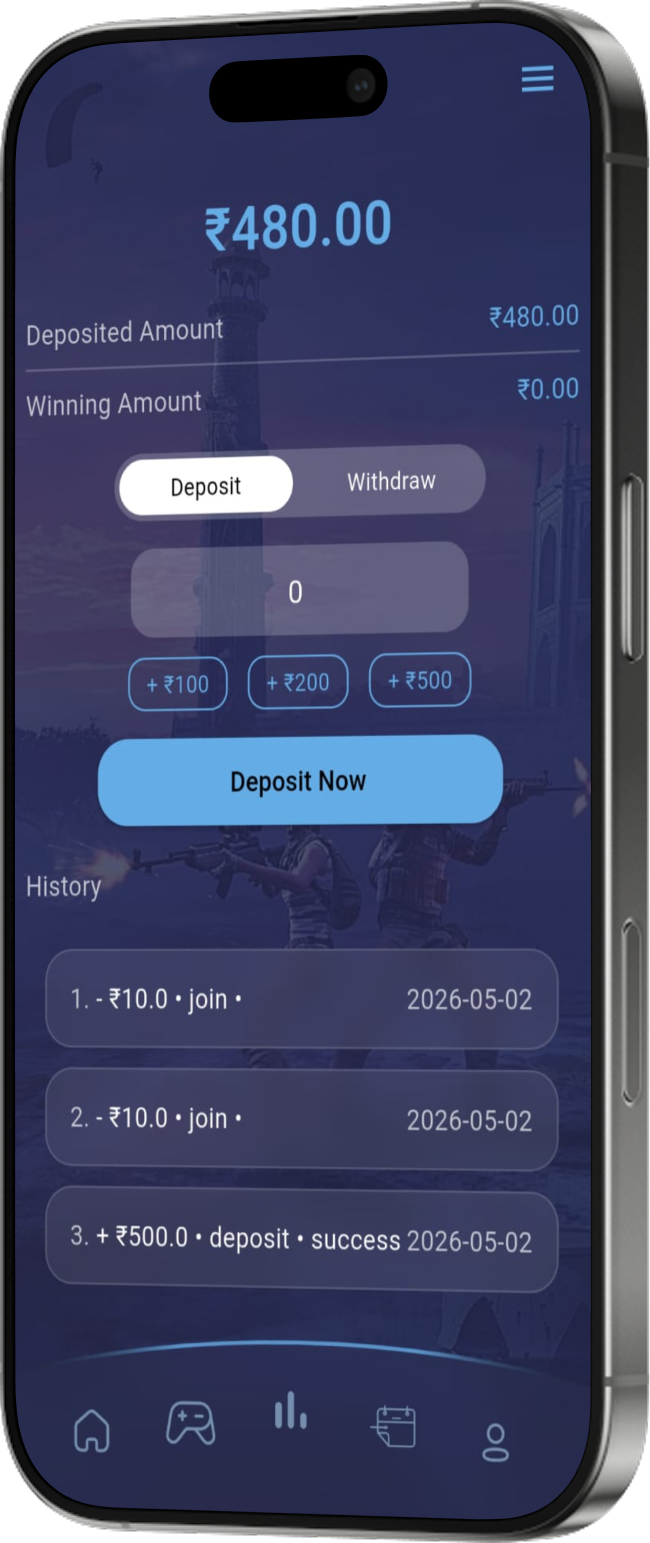
Simple system. Join tournaments, compete against real players, and earn real rewards.
Choose your preferred tournament and enter the competition.
Battle against real players in skill-based matches.
Earn real winnings directly through your gameplay performance.
Built for players tired of fake tournaments, scams, and badly managed esports platforms.
Protected wallet and transaction system for safe gaming.
Competitive environment with monitored tournaments and fair rules.
Your performance matters more than luck.
Quick and reliable payout system for winners.
Expanding game support as the BATTLR community grows.


And many more...
Are you a gaming creator, streamer, esports organizer, or community owner? Partner with BATTLR and earn through our Creator Partnership Program with revenue sharing and community growth opportunities.
Open Creator PartnershipStart competing and earning through your gaming skills.
Download BATTLR